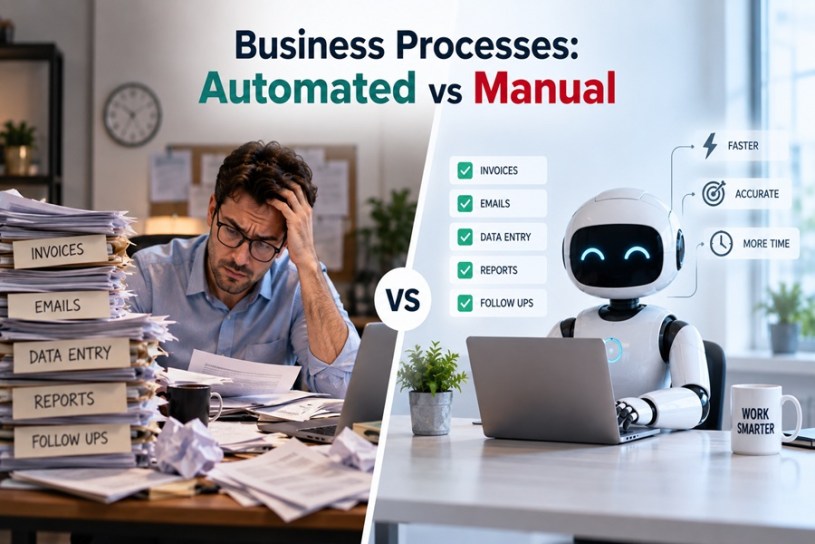
Automation isn’t an all-or-nothing decision. The healthiest businesses run a deliberate mix — some processes automated, some intentionally kept manual. The skill is knowing which is which.
The Core Distinction
| Manual Processes | Automated Processes | |
|---|---|---|
| Best suited for | Complex, non-standard situations requiring judgment | Repetitive, rule-based, high-volume tasks |
| Flexibility | High — adapts easily to exceptions | Low — follows predefined rules |
| Error risk | Higher — an estimated 90% of manual spreadsheets contain errors | Lower, once correctly configured |
| Cost at scale | Rises with volume | Stays relatively flat as volume grows |
| Personal touch | Strong — human judgment and empathy included | Limited — consistent but impersonal |
| Best for compliance | Prone to inconsistency without strict discipline | Enforces standardized outputs |
Processes That Should Almost Always Be Automated
These share common traits: high volume, clear rules, low need for judgment.
- Invoicing and accounts payable — capturing data, matching purchase orders, applying approval rules, updating accounting systems
- Appointment scheduling and reminders
- Onboarding/offboarding checklists — giving every new hire or client a consistent, professional experience
- Recurring reporting — data exports, dashboard updates, performance summaries
- Expense tracking — real-time visibility instead of manual expense reports
- Routine customer support triage — categorizing and routing incoming requests to the right team
- Follow-up reminders — chasing feedback, files, or sign-offs on a schedule instead of manually
Businesses relying on manual, paper-based versions of these processes have been found to lose up to $1.3 million annually in large-scale cases, purely from the inefficiency itself.
Processes That Should Usually Stay Manual
- Complex customer complaints or service recovery — requires empathy, judgment, and situational nuance
- High-stakes negotiations — pricing exceptions, contract terms, partnership discussions
- Creative and strategic work — content ideation, brand positioning, business strategy
- Sensitive HR conversations — performance issues, terminations, conflict resolution
- Non-standard, one-off situations — anything that doesn’t follow a repeatable pattern
Manual processes remain valuable precisely because they’re adaptable. A human can read context, adjust on the fly, and handle exceptions in ways rigid automated rules cannot.
The Decision Framework
When evaluating any specific process, ask:
- How often does this happen? High frequency favors automation; rare, one-off tasks often don’t justify the setup cost.
- How standardized is it? If the steps are identical every time, it’s a strong automation candidate. If every instance is different, it likely needs to stay manual.
- How much judgment is required? Rule-based tasks automate well. Tasks requiring empathy, negotiation, or creative thinking generally don’t.
- What’s the cost of an error? Compliance-critical or high-stakes processes need careful automation design (or should stay manual) since mistakes are expensive.
- What’s the volume? High-volume repetitive tasks benefit most from automation’s ability to scale without proportional cost increases.
A Hybrid Approach Is Usually Correct
Rather than treating this as automation vs. manual as opposing camps, most well-run businesses use a hybrid model: automate the repeatable backbone of a process, but keep a human checkpoint at the points requiring judgment.
Example — customer support:
- Automated: ticket categorization, routing, auto-acknowledgment, simple FAQ responses
- Manual: complex complaints, refund exceptions, anything involving frustrated or high-value customers
Example — accounts payable:
- Automated: data capture, vendor validation, GL coding, standard multi-level approvals
- Manual: unusual invoices, disputed amounts, new vendor onboarding decisions
Signs a Process Is Ready to Be Automated
- It happens the same way, every single time
- Errors are currently common and costly
- Volume is growing faster than your team can keep up manually
- Staff describe it as “boring but necessary”
- It doesn’t require reading emotional or situational context
Signs a Process Should Stay Manual (For Now)
- Every instance looks meaningfully different
- Judgment calls are involved in nearly every case
- The “human touch” is part of the value being delivered
- The process is inconsistent or broken — automating a broken process only breaks things faster
Frequently Asked Questions
How do I know if a process is a good automation candidate? High frequency, standardized steps, low need for judgment, and a track record of manual errors are the clearest signals a process is ready to be automated.
Should customer service ever be fully automated? Routine, rule-based parts (routing, FAQs, confirmations) automate well. Complex or emotionally sensitive interactions generally perform better with a human involved.
Is it risky to automate a process that’s currently broken? Yes — automating a flawed process just executes the same mistakes faster and at greater scale. Fix the process first, then automate it.
Can a process be partly automated and partly manual? Yes, and this hybrid approach is usually the most effective — automate the repeatable steps and keep a human checkpoint for exceptions or high-stakes decisions.

